
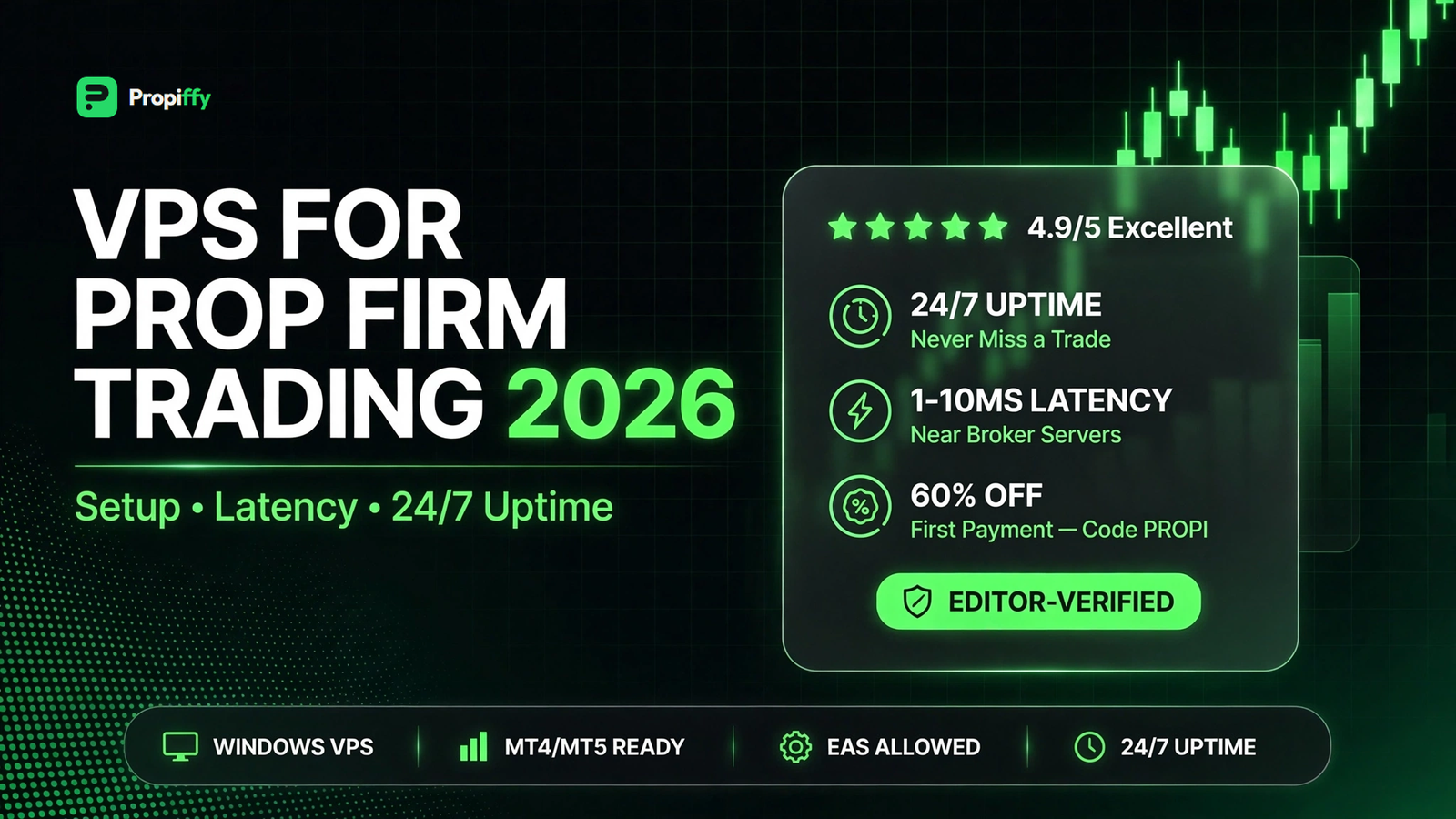
Many traders buy a prop firm challenge and then lose it for a silly reason. Their computer sleeps. Their internet drops. Their EA stops in the night. A VPS fixes all of this. This guide explains what a trading VPS is, when you need one, and how to set it up.
Affiliate disclosure: This article contains an affiliate link to QuantVPS. If you buy through it, Propiffy earns a commission at no extra cost to you. Our rankings stay independent — no firm or provider can pay for a better rank.
Key Takeaways
- A VPS (Virtual Private Server) is an online computer that runs your trading platform 24/7, even when your own PC is off.
- You need a VPS if you run EAs or automated strategies, trade news events, or your internet/power is unreliable.
- You do not need a VPS if you only place manual trades a few times a day from a stable computer.
- A good trading VPS costs $15–$60/month and sits close to your broker's servers for low latency.
- With our link, you get 60% off your first QuantVPS payment with code
PROPI.
What Is a Trading VPS?
A VPS is a computer that lives in a data center. You connect to it from your laptop or phone. It stays online all the time.
For trading, you install MT4 or MT5 on the VPS. Your charts, EAs, and open trades keep running day and night. Your home computer can be off. Your internet can drop. The VPS keeps working.
Think of it like this: your laptop is a car you park at night. A VPS is a taxi that never stops driving.
Do You Need a VPS for a Prop Firm Challenge?
Prop firm challenges have strict rules. One common rule is the daily drawdown limit. If your EA misses a stop-loss because your PC went to sleep, you can fail the whole challenge in one night.
Our guide on passing prop firm challenges explains the rules in detail. A VPS protects you from technical failures, which are one of the most avoidable ways traders fail.
You need a VPS if:
- You run an EA or automated strategy — it must trade while you sleep.
- You trade news events — seconds matter, and home internet can lag.
- Your power or internet cuts often — common in Pakistan and parts of India.
- You run many charts or heavy indicators that slow your laptop.
- You want to trade from your phone while the real work happens on the server.
You do NOT need a VPS if:
- You place 1–3 manual trades a day and close your laptop after.
- You only trade on a demo account for practice.
- Your computer and internet are stable and you never use EAs.
VPS vs Your Home Computer
| Home PCTrading VPS | ||
| Uptime | Only when on | 24/7 |
| Internet | Your home connection | Data-center connection |
| Latency to broker | Often 100–300ms | Often 1–10ms |
| Power cuts | Trade stops | Nothing happens |
| Cost | Free (you own it) | $15–$60/month |
Lower latency means your orders reach the broker faster. For scalpers and news traders, this matters. For slow swing traders, it matters less.
How to Choose a VPS for Trading
Not every VPS is good for trading. Look for these 5 things:
- Server location near your broker. If your broker's server is in New York, pick a New York VPS. Ask the provider or check their locations page.
- Windows OS. MT4 and MT5 run best on Windows. Most trading VPS plans include it.
- At least 2GB RAM. One MT4 with a few charts needs this. More EAs need more RAM.
- SSD storage. Faster than old hard drives. Standard on good providers now.
- 99.9% uptime promise. The whole point is that it never goes down.
Avoid cheap generic web-hosting VPS plans. They are not tuned for trading and support will not help you with MT4.
How to Set Up a VPS in 5 Steps
- Buy a plan. Pick a location close to your broker. Use code
PROPIat QuantVPS for 60% off your first payment. - Connect. You get an IP address, username, and password. On Windows use Remote Desktop; on Mac or phone use the free Microsoft Remote Desktop app.
- Install your platform. Download MT4 or MT5 inside the VPS and log in to your prop firm account.
- Set up your charts and EAs. Attach your EA, allow automated trading, and check the smiley face / algo trading button is on.
- Disconnect — don't shut down. Close the Remote Desktop window but never press "Shut down" inside the VPS. Your trading keeps running.
Test for one day: open a small demo trade, disconnect, and check from your phone that it is still running.
How Much Does a Trading VPS Cost?
Most trading VPS plans cost $15–$60 per month. Bigger plans (more RAM, more CPU) cost more.
Is it worth it? Compare: one challenge account costs $50–$200. If a VPS saves you from one technical failure, it has paid for a year of itself. With the 60% first-payment discount above, trying it is cheap.
FAQ
Can I use a VPS with any prop firm?
Yes. A VPS just runs your MT4/MT5. It works with every firm we list, including FundingPips and Funded Trader Markets. Some firms have rules about EAs — check the firm's EA policy in our reviews before you automate.
Will a VPS make my trades profitable?
No. A VPS removes technical risk. It does not make a bad strategy good. It keeps a good strategy running without interruptions.
Is a VPS enough to pass a prop firm challenge?
It helps, but passing needs risk management too. Read our challenge passing guide and check the economic calendar before news events.
Can I run two prop firm accounts on one VPS?
Yes, if the VPS has enough RAM. Run one MT4/MT5 instance per account. With 4GB RAM you can comfortably run 2–3 instances.
Do I need a VPS for manual trading?
Usually no. If you open and close trades yourself during the day, your own computer is fine. A VPS matters most for automation and unreliable setups.
Final Verdict
If you run EAs, trade news, or your internet is unreliable, a VPS is one of the cheapest protections you can buy for your challenge account. If you are a casual manual trader, skip it for now.
When you are ready, compare firms on our rankings page, then set up your VPS before you start the challenge — not after your first technical failure.
Related posts: